


REALM Virtual Dealership
How to set up your REALM dealership
Five steps, about ten minutes. You only need the link REALM sent you.
-
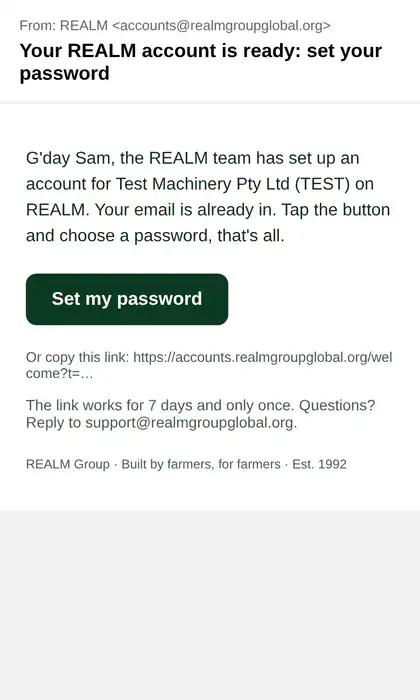
Tap the link REALM sent you
You get it by email ("Your REALM account is ready") or by WhatsApp or text from the REALM team. Tap the green "Set my password" button or the link. It works for 7 days.
-
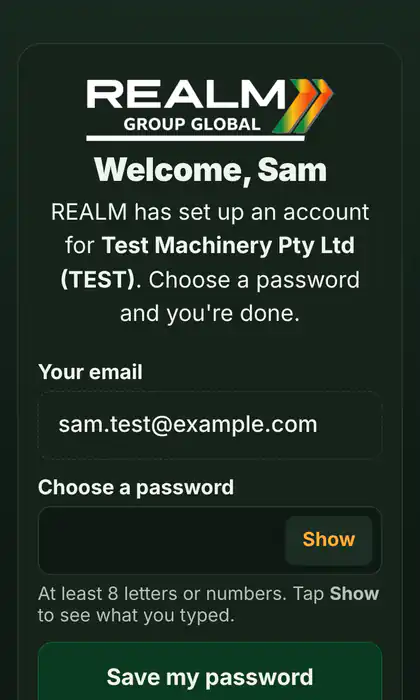
Choose your password
Your email is already filled in. Type a password (at least 8 letters or numbers), tap "Show" to check it, then tap "Save my password". Using Gmail? You can tap "Continue with Google" instead.
-
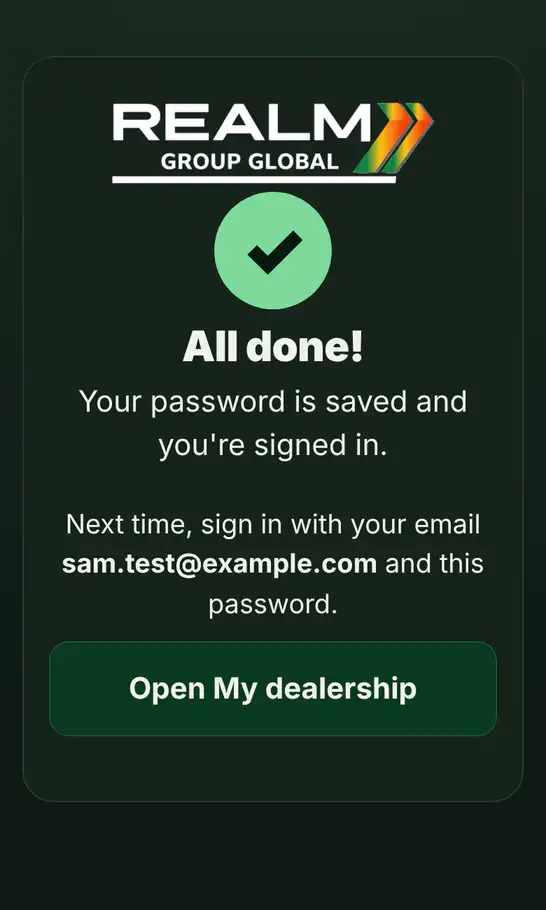
Open My dealership
You see "All done!" and you are signed in. Tap "Open My dealership". Next time, go to market.realmgroupglobal.org, sign in with your email and password, and tap My dealership on My profile.
-
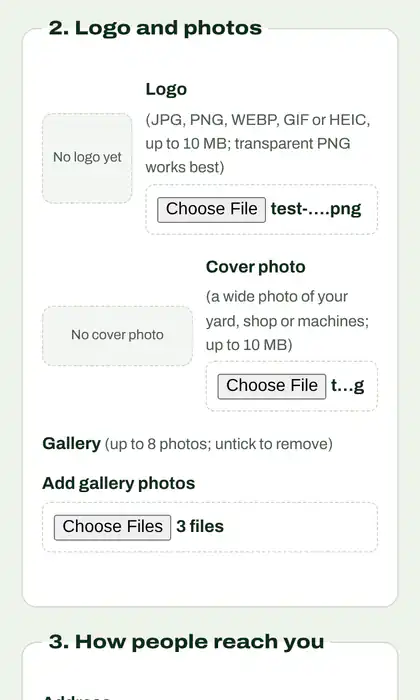
Add your logo and details
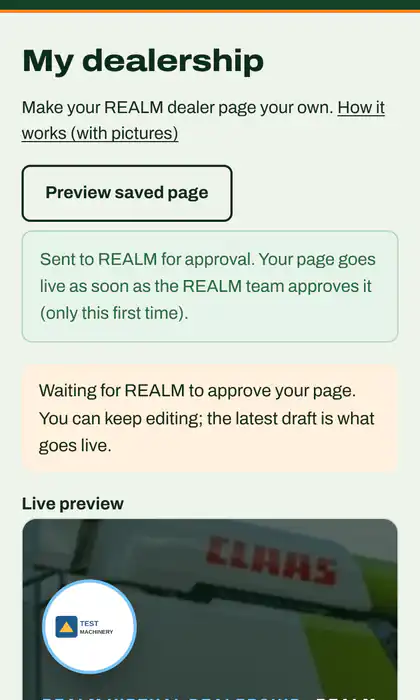
Under "2. Logo and photos" tap "Choose file" next to Logo and pick it from your phone or computer. Add a cover photo, your story, phone, opening hours and colours if you like. The preview at the top shows how it looks.
-
Publish
Tap "Save draft" any time to keep your changes private. When you are happy, tap "Send for approval" (the first time) or "Publish". The REALM team checks your first page, then your changes go live straight away.
Stuck?
Link expired or already used? Ask REALM for a new one. Forgot your password? On the sign-in page tap "Forgot password?".
Email support@realmgroupglobal.org and the REALM team will help.